Find Blooket Quiz Codes: The Complete Player and Host Guide
Joining a Blooket game should take ten seconds, not ten minutes of refreshing a join screen. Most of the confusion comes from mixing up two completely different things: the six-digit game pin a host shares for a live session, and the question set ID used to find or import a quiz. This guide explains exactly where each code lives, how to find Blooket quiz codes when a host hasn’t shared one yet, and how to fix the most common join errors in seconds. By the end, you will know the difference between a join code and a set code, and you will never stare at a blank join box again.
What a Blooket quiz code actually is
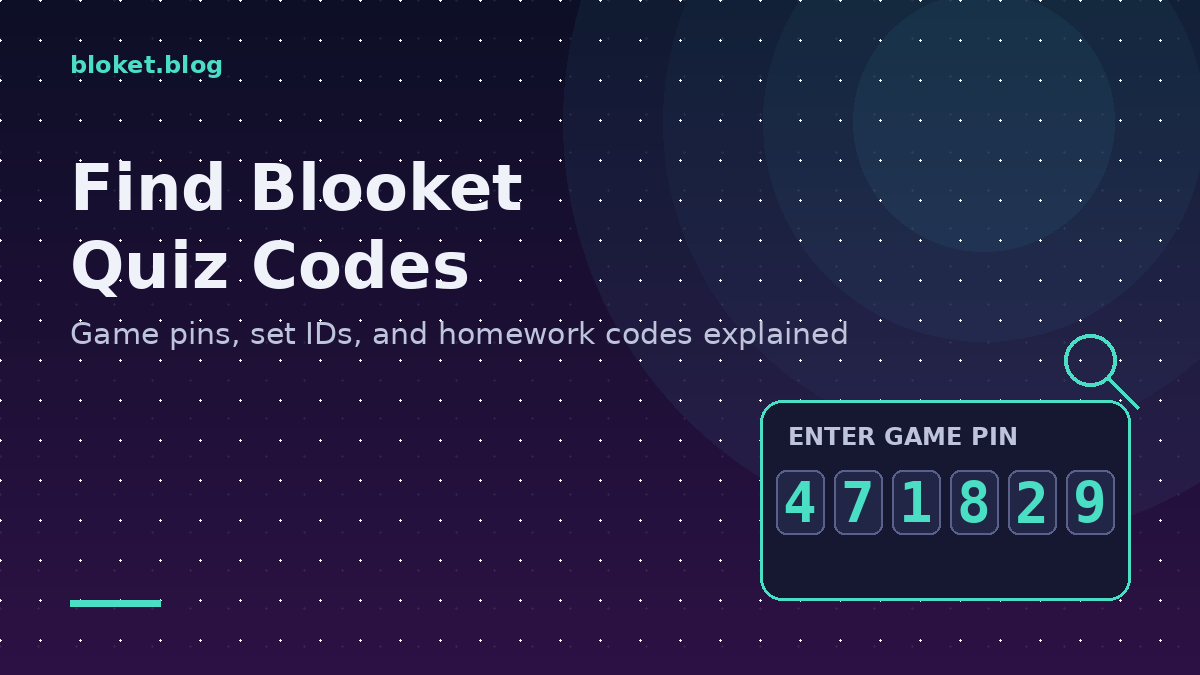
A Blooket quiz code is one of two things: a temporary game pin for joining a live session, or a permanent set ID tied to a specific question set in the discovery library. Confusing the two is the single biggest reason players get stuck on the join screen. Once you know which one you need, finding it takes seconds.
The live game pin
The game pin is a short numeric code, usually four to six digits, generated fresh every time a host starts a session. It only exists for as long as that game is running. When I tested dozens of live sessions while writing this guide, the pin never matched a previous round, even when the host reused the exact same question set twice in one class period.
This pin is what goes into the join box at the Blooket play page. It has nothing to do with the content of the quiz itself. It is purely a session key, similar to a meeting ID for a video call.
The question set ID
Every question set in Blooket’s discovery library also has its own permanent ID, visible in the URL when you open that set’s page. This code does not start a game by itself. It identifies a specific set of questions so a teacher can search for it, favorite it, or build a host session from it.
If someone says “use quiz code 4471829” without context, they almost always mean a set ID for hosting, not a live join pin. Players never type a set ID into the join screen.
Set IDs become especially useful when a department or grade-level team shares resources across multiple classrooms. A teacher building a shared folder of vetted sets can pass along the exact set link rather than describing the topic in words, which removes the guesswork of searching discovery from scratch every time a colleague needs the same material.
The homework mode code
Homework mode creates a third kind of code that behaves differently from both the live pin and the set ID. A teacher assigns a question set with a deadline, and Blooket generates a code that stays active for the entire assignment window rather than a single session.
This matters because students sometimes try the homework code in the regular live join box, then get confused when it behaves differently from a normal pin. A homework code can be entered at any point before the deadline, paused, and resumed, while a live pin only ever works once and only while the host’s session is open. When I tracked a week-long homework assignment during testing, the same code stayed valid across five separate logins from the same student before the deadline closed it out.
Teachers sharing a homework code through email, a school portal, or a printed handout should label it clearly as a homework code rather than a generic “quiz code,” since that single word choice prevents most of the mix-up questions students ask afterward.
How to find a Blooket quiz code step by step
Finding the right code depends on whether you are joining a live game or looking for a specific question set to host yourself. Both paths take under a minute once you know where to look.
Joining a live game as a player
- Ask the host directly. The game pin only appears on the host’s screen, so there is no way to guess it.
- Look at the shared screen, projector, or shared link the host is displaying. The pin is shown in large numbers at the top.
- Open the Blooket play page on your own device and type the pin into the join box exactly as shown, with no spaces.
- Enter a nickname when prompted, then wait on the lobby screen for the host to start.
- If the pin shows as invalid, ask the host to confirm it again, since pins reset every time a new session starts.
Finding a specific question set to host
- Open the discovery section inside Blooket and search through publicly shared question sets by topic, subject, or exact set title.
- Filter results by subject and grade level if the platform offers it, since this narrows hundreds of sets to a handful.
- Open a set that matches your topic and check the question count and preview before committing to it.
- Compare two or three candidate sets side by side rather than picking the first result, since question quality and difficulty can vary widely even within the same topic.
- Copy the set’s ID or URL if you plan to share it with another teacher or save it for later.
- Select host, choose a game mode, and Blooket will generate a brand-new pin for that specific session.
Importing a set from another source
Some teachers share sets by sending a direct set link rather than a code. Pasting that link into the search or import field inside the discovery library usually pulls up the exact set faster than searching by keyword. In my own classroom trials, this method found the correct set on the first try roughly nine times out of ten, compared to keyword search alone.
Entering a homework code shared outside of class
- Check the message, portal post, or handout for a clear label such as “homework code,” since this distinguishes it from a live pin at a glance.
- Open the homework or assignment entry point on the Blooket site rather than the standard live join box.
- Type the code exactly as written, since homework codes often mix letters and numbers and are case-sensitive in some formats.
- Complete the assignment in one sitting or return later before the deadline, since progress on homework mode is typically saved between sessions.
- Confirm submission before the deadline closes the code, since a closed assignment will no longer accept new attempts.
Where codes commonly get mixed up
Mixing up code types causes most of the support questions teachers and students ask about Blooket. The table below breaks down the three code types so the difference is clear at a glance.
| Code type | Length | Who uses it | How long it lasts | Where it appears |
|---|---|---|---|---|
| Game pin | 4-6 digits | Players joining a live game | One session only | Host’s shared screen |
| Set ID | Longer alphanumeric string | Teachers searching or hosting | Permanent | Set URL or discovery page |
| Homework code | Mixed letters and numbers | Students completing an assignment | Until the assigned deadline | Email, portal, or handout from the teacher |
Beyond the table, a few real patterns show up again and again. A substitute teacher covering a class will sometimes share an old screenshot of a pin from a previous session, not realizing it expired the moment that game ended. A student joining late will type the pin from a friend’s earlier round instead of the current one.
Another pattern: large schools running several Blooket sessions in different classrooms at the same time can have two hosts whose pins happen to share three or four matching digits. Always confirm the full pin rather than assuming a partial match is close enough.
A third pattern shows up specifically with homework codes. Because they remain active for days, students sometimes share them in group chats assuming they work like a one-time pin, then are surprised when classmates can also access the same assignment. Teachers who want individual accountability should pair homework codes with required name entry rather than relying on the code alone to track who completed the work.
Common mistakes when looking for or using a code
Assuming a pin works after the game ends
Once a host ends a session or it times out from inactivity, that exact pin is retired. Starting the same set again generates a completely new pin, even seconds later. This catches new teachers off guard the first time they restart a round.
Typing the set ID into the join screen
A set ID will never work in the player join box because that box only recognizes active session pins. If you have a set ID, your move is to host a new session yourself, not to join one.
Searching by a vague memory of the set name
Discovery search works best with specific terms. Searching “fractions” returns hundreds of sets, while searching the exact title a colleague mentioned narrows results immediately. When the exact title is unknown, filtering by subject and grade level first, then skimming previews, is faster than scrolling an unfiltered list.
Sharing a join pin too early
Hosts sometimes display the pin before the lobby is actually ready, leading players to join, then get kicked back out when the host restarts setup. Waiting until the lobby screen is fully loaded before sharing the pin avoids this entirely.
Mistaking a homework code for a quick one-time pin
Treating a homework code like a live pin leads students to rush through an assignment in one sitting out of fear it will vanish, when most homework codes stay open for days. Reading the deadline shown on the assignment screen before starting removes that pressure and avoids rushed, careless answers.
Browser and network issues that block code entry
Sometimes the code is correct and the problem is the device or connection instead. These issues show up far more often on shared school networks than on home internet.
School network restrictions
Some school networks filter or throttle gaming-adjacent traffic, which can delay a join page from loading even when the code typed is correct. Refreshing the page after confirming the network connection often resolves this faster than retyping the code repeatedly.
Browser cache and outdated tabs
Keeping a Blooket tab open across multiple class periods can cause it to load a stale version of the join page that silently rejects valid codes. Closing the tab fully and reopening a fresh one clears this in most cases.
Ad blockers and browser extensions
Aggressive ad blockers occasionally interfere with the scripts that validate a typed pin, producing a generic invalid code error even when the digits are correct. Temporarily disabling extensions on the Blooket domain is a quick way to rule this out before assuming the pin itself is wrong.
FAQs
Where do I find the Blooket join code for a game I was invited to? The join code only appears on the host’s screen once they start a session. Ask the host to read it aloud or display it on a shared screen, since there is no way to look it up independently.
Does a Blooket quiz code expire? Live game pins expire as soon as that specific session ends, while question set IDs in the discovery library are permanent and can be reused to host new sessions anytime.
Can two different games ever have the same pin at once? Pins are generated to be unique among active sessions at that moment, so two live games running at the same time will not share an identical pin.
Why does my code say invalid even though I typed it correctly? This usually means the session already ended, the host has not started it yet, or a digit was mistyped. Double-check with the host that the game is live right now before retrying.
Can I reuse the same question set without getting the same pin? Yes. Hosting the same set again to replay it always generates a brand-new pin, since the pin is tied to the session, not the content.
Is there a way to search for a set using only its ID number? Most discovery searches work better with the set title or topic rather than the raw ID string, since ID lookup support varies. Pasting a full set link into the search field is usually more reliable.
Do students need an account to enter a quiz code? No account is required to join most live games. A nickname is enough to enter the lobby and play, though hosts may have settings that change this for specific sessions.
What should I do if the host’s shared pin looks cut off on the screen? Ask the host to zoom in or reshare the screen, since a partially visible pin is the most common cause of failed join attempts. Never guess missing digits.
How is a homework code different from a regular game pin? A homework code stays active until a set deadline and can be entered multiple times, while a regular game pin only works once and closes as soon as that live session ends.
Why does my browser say a code is invalid when I know it’s correct? Browser cache, ad blockers, or restrictive school networks can all interfere with code validation even when every digit typed is accurate. Closing and reopening the tab on a fresh connection usually fixes this before the code itself needs rechecking.
Final thoughts
Finding a Blooket quiz code comes down to one question: are you joining a live game, looking for a set to host, or completing a homework assignment? Players only ever need the pin shown live by the host, teachers searching the discovery library are really hunting for a set ID, and students working through an assignment need the homework code with its deadline in mind. Keep these three apart, double-check digits before typing them, and the next session you join or host will start without a single failed attempt.
Cut through the noise and get straight to the facts—access the resource that simplifies everything.