Blooket vs Plickers: Which Classroom Tool Wins?
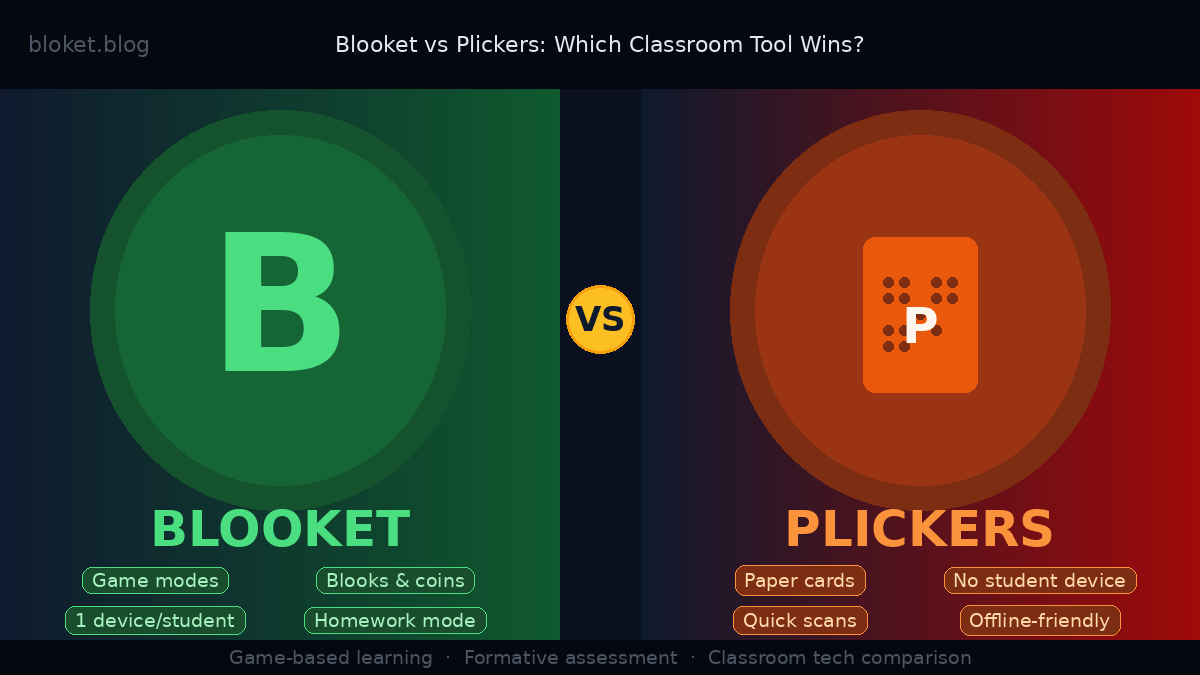
Both Blooket and Plickers appear on every “best classroom tech tools” list, yet they solve completely different problems. Blooket is a game-based quiz platform where every student plays simultaneously on their own device. Plickers works with zero student devices — students hold up paper cards while the teacher scans the room with a single smartphone.
Picking the wrong one wastes prep time and leaves students either bored or distracted. This guide breaks down how each platform actually works in a real classroom, where each one performs best, and which fits your specific setup — whether you have a full set of Chromebooks or one projector and a stack of laminated cards.
What is Blooket and how does it work in the classroom?
Blooket is a browser-based quiz game platform where teachers create or import question sets, then launch live games that students join using a short game code. Each student plays on their own device — phone, tablet, Chromebook, or laptop — competing against classmates in real time while the teacher monitors progress from a host dashboard.
The platform sits in a category sometimes called “quiz-game hybrids.” Unlike a plain quiz tool, Blooket wraps every question set in a game mechanic that makes answering feel like playing rather than reviewing. That distinction matters for classroom energy, especially during end-of-unit review sessions.
Game modes and how students experience them
Blooket offers more than a dozen game modes, each built around the same question set but with a completely different competitive structure. Gold Quest has students answer questions to earn virtual gold and steal coins from opponents. Battle Royale eliminates players one by one until one remains. Tower Defense, Café, and Factory add resource-building layers where answering correctly fuels in-game construction.
Because the question set stays the same across all modes, teachers can run the same vocabulary list or math facts in different modes across multiple sessions without students feeling like they’re repeating work. This is one of Blooket’s most underrated practical advantages — high content reuse without low student interest.
The host controls the game from their own screen, choosing when to start and end sessions, viewing live standings, and sometimes adjusting time limits per question. Students see their standing on their own screen throughout, which keeps the competitive pressure going from the first question to the last.
Blooks, coins, and the engagement loop
Students earn coins for answering questions correctly and use those coins to unlock blooks — the avatar collectibles that form Blooket’s long-term engagement system. Blooks come in multiple rarity tiers, from Common to Legendary to Chroma, and the random unlock mechanic creates genuine excitement around opening boxes. Students who play regularly build collections they care about, which gives them a reason to engage beyond any single class session.
Teachers can also assign question sets as homework through Blooket’s solo “study mode,” where students practice at their own pace outside class. Plickers has no equivalent — it is designed exclusively for live classroom use. That solo mode alone makes Blooket significantly more versatile across a teaching week.
What is Plickers and how does it work in the classroom?
Plickers is a formative assessment tool that flips the usual device equation. Instead of every student needing a phone or laptop, students each receive a numbered paper card printed with a unique QR-style pattern. To answer a question, a student holds up their card in the correct orientation — A, B, C, or D facing upward — and the teacher scans the entire class with a single smartphone or tablet camera.
The result is a system that gives teachers individual response data from every student in under 20 seconds, with no student logins, no device charging issues, and no risk of students going off-task on their own screens. It is a specific solution to a specific problem, and teachers who use it regularly understand exactly what that problem is.
How the card-scanning system works
Each Plickers card is permanently assigned to one student in the class roster. The teacher sets up the assignment once, and from that point on, every scan automatically maps to the correct student. When the teacher displays a question on a projector or monitor, students flip and raise their card without talking, then hold it steady while the teacher’s camera pans slowly across the room.
The scanning process picks up cards in about 10 to 15 seconds for a class of 30, even if students are seated in rows rather than a circle. Results appear live on the teacher’s screen as each card registers. Teachers can choose to show live results on the class display or keep them hidden until everyone has answered — the hidden option prevents copying before slow respondents have committed to an answer.
Question types and built-in reporting
Plickers supports two question formats: multiple choice with up to four options, and true/false. That covers a wide range of formative check-ins but excludes short-answer, matching, ordering, or constructed-response questions entirely. For most quick comprehension checks, multiple choice is sufficient; for deeper assessment, Plickers is not the right tool.
The reporting side is genuinely useful. Every scan is saved automatically, and teachers can pull up per-student response history across multiple sessions, see class-wide correct/incorrect rates per question, and identify which students consistently miss specific concepts. The data is not as visually polished as some full LMS platforms, but it is accurate, organized, and accessible after every session.
Blooket vs Plickers: a direct feature comparison
These two tools share one clear purpose — formative assessment — but almost everything else about them differs. Here is how they compare across the factors that matter most when you’re choosing one for a real classroom.
Device requirements
This is the most important practical difference between the two platforms. Blooket requires one internet-connected device per student. Plickers requires one smart device for the teacher and a printed set of paper cards for students. If your school has 1:1 devices and stable Wi-Fi, Blooket is a realistic daily option. If devices are shared across classrooms or internet reliability is inconsistent, Plickers removes those variables entirely.
Printing Plickers cards is a one-time task. Many teachers laminate their sets at the start of the year, and the same cards last all year without reprinting. The upfront time investment pays off quickly across multiple uses.
Student engagement and motivation
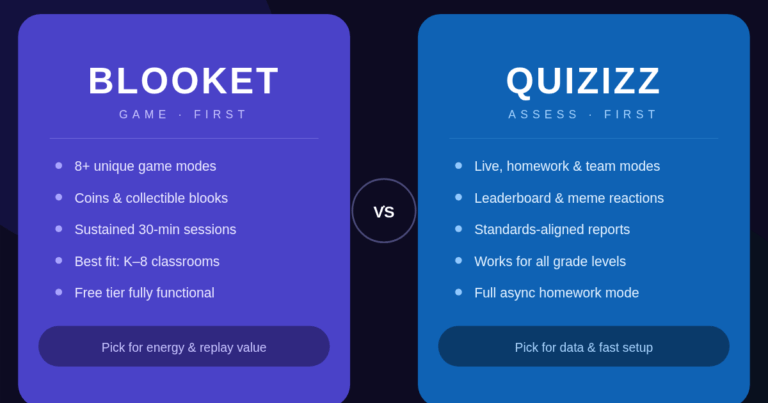
Blooket generates more visible excitement. The game modes, blook collection mechanics, coin systems, and competitive standings create an energy level that Plickers simply does not match. Students regularly ask to play Blooket; they rarely lobby for a Plickers session.
Plickers has a quieter advantage, though. Because students only interact by holding up a card, there is no device screen to distract them between questions. Students cannot browse, chat, or game the system by watching other students’ screens before answering. For classes that struggle with device discipline, that level of focus can be worth more than Blooket’s engagement ceiling.
Question formats and content options
Both platforms focus primarily on multiple-choice questions. Blooket also supports true/false natively, and Blooket Plus expands some content options further. Plickers is limited to multiple choice and true/false across both its free and paid tiers.
Neither platform handles open-ended responses, drag-and-drop matching, image labeling, or written explanations. If those formats are central to how you assess understanding, both tools are insufficient on their own and would need to pair with something else.
Classroom logistics and setup time
Launching a Blooket game on any given day takes a few minutes: open the question set, select a game mode, share the join code, and wait for students to enter their names. The process is faster once students know the routine, but joining always requires typing a code and waiting for the lobby to fill.
Plickers is slower to set up initially but faster to run once cards are in students’ hands. A mid-lesson check with Plickers — display a question, wait for cards to go up, scan — takes about 90 seconds per question. That speed makes it practical to run three or four quick checks during a 50-minute class without losing instructional momentum.
Side-by-side comparison
| Feature | Blooket | Plickers |
|---|---|---|
| Student devices needed | Yes — 1 per student | No |
| Student internet access needed | Yes | No |
| Teacher device needed | Yes | Yes (smartphone or tablet) |
| Question types | Multiple choice, true/false (more with Plus) | Multiple choice, true/false |
| Game/engagement mechanics | Yes (modes, blooks, coins) | No |
| Homework/solo practice mode | Yes | No |
| Live response tracking | Yes | Yes |
| Per-student reporting history | Yes | Yes |
| Free tier available | Yes | Yes |
| Paid upgrade | Blooket Plus | Plickers Pro |
| Free class size limit | Flexible | Up to 40 students per class |
| Works without student Wi-Fi | No | Yes |
Which tool fits your classroom better?
There is no universal answer here. The right choice depends on your tech infrastructure, lesson timing, class size, and what kind of assessment moment you are designing for.
When Blooket is the right call
Choose Blooket when every student reliably has a device and your school Wi-Fi holds up. It works especially well for end-of-unit review sessions, vocabulary practice in language classes, math fact drills, and any situation where sustained practice benefits from a motivating game wrapper. The homework mode extends Blooket’s value beyond class time — something no competing low-tech tool can offer.
Blooket also makes sense when building classroom culture matters. The blook collection system and recurring game modes give students something to look forward to across weeks and months, not just single sessions. Teachers who use Blooket consistently often report that students start treating it as a reward rather than an obligation.
When Plickers makes more sense
Plickers fits classrooms where device access is limited or unreliable. It also fits teachers who run discussion-heavy or lecture-based lessons and want quick comprehension checks without handing over device attention. A Plickers poll mid-lecture takes 90 seconds and keeps the class focused on content rather than their screens.
Elementary and middle school classrooms often benefit from Plickers because the physicality of holding up a card is simple, intuitive, and gives quiet students a low-pressure way to respond without being called on individually. Teachers running inclusive classrooms sometimes find Plickers more equitable — every student responds every time, with no variation based on typing speed or login issues.
Using both tools strategically
Many experienced teachers use both platforms, matching each to the right lesson moment. A common pattern: Plickers for quick mid-lesson comprehension checks (“did they follow that concept before I move on?”) and Blooket for Friday review sessions where energy and engagement matter more than speed.
The two tools genuinely complement each other. Plickers handles the quiet, real-time data collection during instruction; Blooket handles the high-engagement practice sessions at the end of a unit. Running both gives teachers more flexibility than either tool could provide alone.
Pricing: what each platform actually costs
Blooket free tier and Blooket Plus
Blooket’s free tier includes access to all game modes, the ability to create and host unlimited question sets, and the full blook and coin system for students. For most classroom uses, the free version covers everything a teacher needs day to day.
Blooket Plus is a paid subscription that adds features including more detailed class reporting, the ability to duplicate and organize sets more easily, and additional question input options. Pricing is subscription-based and may vary by region or billing period. Before upgrading, it is worth running free Blooket for a full unit to assess whether the extra reporting features justify the cost for your specific classroom setup.
Plickers free tier and Plickers Pro
Plickers offers a generous free tier that covers multiple classes, up to 40 students per class, full scanning functionality, and the complete reporting history. For most individual teachers, the free plan contains everything they actually use.
Plickers Pro raises the per-class student limit and expands reporting options, which matters primarily for large classes or teachers who want more granular long-term data. Unlike some freemium education tools, Plickers does not artificially restrict the core scanning feature — the paid version extends capacity rather than unlocking basic functionality.
Mistakes teachers make when choosing between them
Choosing based on tech level, not classroom fit
Blooket’s game mechanics make it feel like the more sophisticated tool, and some teachers assume that means it is always the better choice. But sophistication is not always what a lesson needs. A quick Plickers check mid-lecture is often more appropriate and far less disruptive than pausing the class to launch a full game and wait for 30 students to join. Matching the tool to the moment matters more than picking the flashier option.
Underestimating internet dependency
Teachers who test Blooket during a planning period — when few devices are on the network — sometimes get a false sense of how it performs with 30 students connected simultaneously. School Wi-Fi that struggles under load can cause students to lose game progress mid-session, which frustrates everyone and undercuts the engagement the platform was supposed to create.
If internet reliability is an open question in your building, run a test Blooket session with a full class before committing to it as a regular tool. If connections drop, Plickers becomes the safer daily driver with Blooket reserved for sessions in rooms with confirmed stable connections.
Forgetting what neither tool can do
Both Blooket and Plickers are built around multiple-choice and true/false formats. If your curriculum regularly requires short-answer responses, diagram labeling, or extended written answers, neither tool addresses that need. Treating either platform as a complete formative assessment solution creates blind spots in how you understand student understanding.
Neither tool replaces exit tickets, Socratic discussion, written checks, or performance tasks. They work best as one layer of assessment within a broader toolkit.
Writing off Plickers as outdated
Some teachers dismiss Plickers because paper cards look low-tech compared to a game platform. That misses the point of what Plickers actually does. Its value is not in its technology level — it is in delivering instant, individual response data from every student in the room in under a minute, with zero device management overhead. That specific capability has not been made obsolete by game-based platforms. It fills a different need, and teachers who recognize that tend to keep Plickers in their rotation long-term.
FAQs
Is Blooket better than Plickers for student engagement? Blooket consistently drives higher student excitement because of its game modes, collectible blooks, and competitive mechanics. Plickers is quieter and more controlled by design. When the goal is high energy and extended practice, Blooket wins. When the goal is a fast, distraction-free comprehension check during a lesson, Plickers is the more efficient tool.
Can Plickers work without internet access? The paper cards work without internet, but the teacher’s scanning app requires an active connection to record responses and display results. Plickers is not fully offline — it removes the student internet requirement, which is still a meaningful advantage in classrooms with limited connectivity or inconsistent Wi-Fi.
Does Blooket work for homework assignments? Yes. Teachers can assign Blooket question sets as solo study tasks that students complete at their own pace outside class time. Students earn coins and blooks in solo mode just as they do in live games. Plickers has no solo or homework mode — it requires the teacher to be present and scanning in real time.
How many students can use Blooket or Plickers for free? Blooket’s free tier does not impose a strict per-class student cap for live games, making it flexible for varying class sizes. Plickers’ free tier supports up to 40 students per class. Teachers with classes larger than 40 will need Plickers Pro to accommodate all students under a single class roster.
Which platform is easier for a new teacher to start using? Both have short learning curves. Plickers requires a one-time card printing and student assignment step, then becomes very fast to use in daily lessons. Blooket is quick to launch on day one but depends on students learning the join routine. Most teachers find both platforms usable within one or two practice sessions.
Are both platforms free to use? Both offer meaningful free tiers that function well for most classroom needs. Blooket Plus and Plickers Pro are paid upgrades that expand reporting and capacity, but the free versions of both platforms are genuinely usable without feeling artificially restricted on core functionality.
Can I run Blooket and Plickers in the same class period? Yes, though it would be unusual to run both in a single class session. More commonly, teachers use Plickers for a quick mid-lesson check, then use Blooket for a longer review activity later in the same period or on a different day. The tools complement each other across the lesson week rather than competing within a single session.
Conclusion
Blooket and Plickers are both genuinely effective classroom tools — they just solve different problems. Blooket delivers game-driven engagement and works well when every student has a reliable device and internet connection. Plickers gives teachers instant individual data from the entire class in under a minute, with zero student technology required.
The fastest way to decide: check your device access first. If every student reliably has a connected device, Blooket fits most review and practice sessions. If devices are limited or your lesson calls for quick, low-disruption checks during instruction, Plickers earns its place. And if your classroom has room for both, pairing them gives teachers more flexibility than either tool alone.
Start with whichever removes more obstacles from your specific setup. That is the one your students will actually benefit from.
Achieve greater results with significantly less effort—our carefully selected posts do all the groundwork for you.