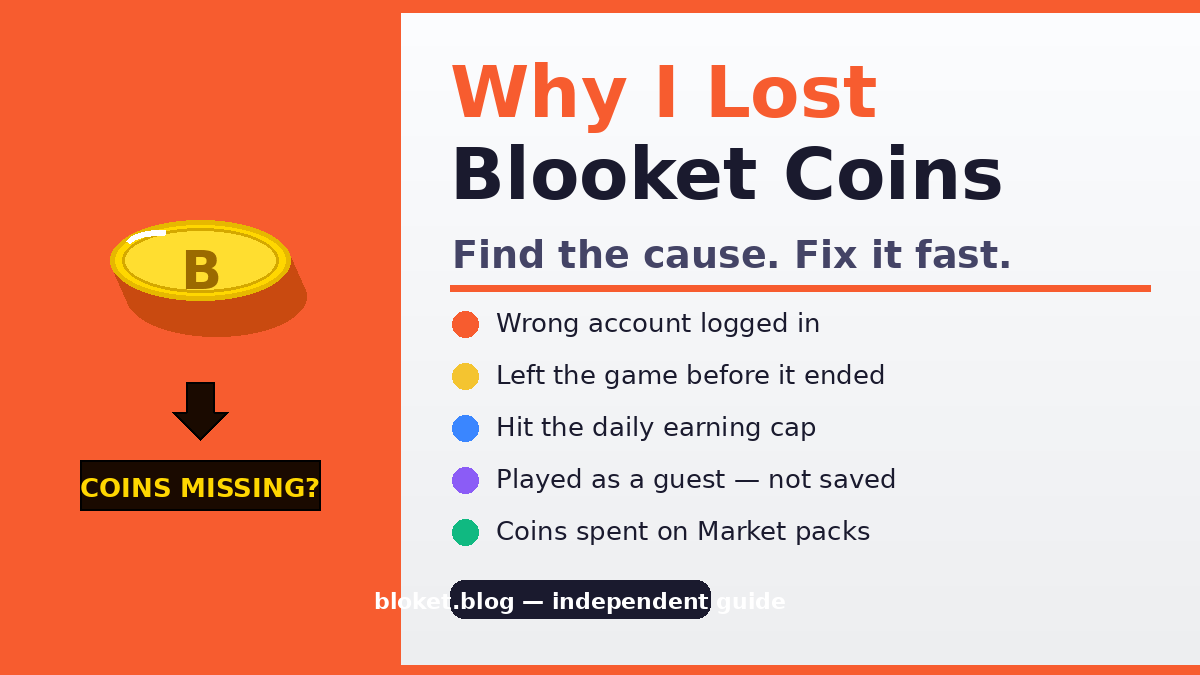
Why I Lost Blooket Coins Fix: Complete Recovery
You had coins. Now you do not. Whether the balance dropped overnight, went to zero without explanation, or stopped increasing after a full game session, the cause is almost never a random glitch in Blooket’s system. Coin loss traces back to a small set of specific, fixable problems.
This guide covers every documented reason Blooket coins disappear or fail to credit, with clear steps to fix each one. Students who notice a missing balance and teachers whose students did not earn coins in a hosted session will both find answers here.
Why did my Blooket coins disappear?
Blooket coins can appear to vanish for several distinct reasons — and if your balance looks weird rather than missing entirely, our Blooket coin glitches fix guide covers display bugs and sync errors. The most common cause is a wrong account login — a player earning coins on a guest session or a different email and then signing into a separate account where those coins never existed. Other frequent causes include session exits before a game ends, browser cache problems, and pack purchases the player forgot they made.
Coins do not evaporate. Every coin that appears to be gone has a traceable reason, and most situations are recoverable or at least explainable.
Account mismatch: the most common cause
Blooket can be accessed through Google login, a username-and-password account, or as a guest. Many players accidentally switch between these entry points without realising each one represents a different account with its own coin balance.
If you typically use “Sign in with Google” but one day clicked the regular email login, you entered a different account. Any coins earned on the Google-linked account are still there — they are just attached to the other login. The fix is simple: sign out and sign back in using the exact same method you used when you earned those coins.
Guest sessions and why they disappear
Playing as a guest in Blooket earns coins for that session, but those coins are tied to a temporary browser session, not a saved account. When the browser closes, the cookie clears, or the device changes, the guest balance is gone. There is no way to recover guest coins because there was never a permanent account to save them to.
This is the most frustrating scenario, particularly for younger students who join class games without logging in. The coins were real during the session but were never stored in a recoverable place.
Pack purchases you may have forgotten
The Blooket Market deducts coins immediately and permanently when a pack is opened. There is no undo, no refund, and no prompt that asks “are you sure?” before the transaction. Players who open several packs in one sitting sometimes return later and see a lower balance than expected.
Before assuming coins were lost, check the Market purchase history and your blook collection — our smart Blooket coin spending guide covers the discipline that prevents accidental over-spending. If new blooks appeared since you last checked, the coins were spent, not lost.
When coins do not arrive after a game
A finished game session that pays no coins is one of the most common complaints, and it almost always has a clear explanation.
Leaving a game before it ends
Blooket’s coin payout happens at the end of a hosted game session — for the full picture of how the earning system works, see our Blooket economy explained guide. Closing the browser tab, navigating away, or losing internet connection before the game completes means the system never triggers the end-game reward. The game records a disconnection, not a completion.
This applies to both solo practice and teacher-hosted sessions. If you left early — even one question before the end — the coins may not have credited.
Practice mode vs. hosted mode coin rates
Solo practice mode in Blooket awards coins at a lower rate than teacher-hosted live game sessions. Some players run practice games expecting the same payout they received during a class session and are confused when the balance barely moves. The modes are intentionally different. Live hosted sessions are designed to reward more per game to incentivise classroom engagement.
Daily coin limits
Blooket applies a daily earning cap to prevent farming — our Blooket daily rewards guide covers how the free daily spin stacks on top of normal session earnings. Once a player has earned a certain amount of coins in a single day through practice mode, additional sessions produce little to no reward until the limit resets the following day. The exact cap is not published, but players who run many sessions back-to-back in practice mode will hit it.
This is one of the most misunderstood parts of the coin system. The game does not show a warning when the cap is reached, so it appears as though the game ran normally but paid nothing.
Solo mode vs. live game payouts
| Game type | Coin rate | Notes |
| Solo practice | Low | Subject to daily cap |
| Teacher-hosted live session | Higher | Full payout per completion |
| Teacher-hosted session (left early) | Zero | Disconnect = no reward |
| Guest (no account) | Temporary | Not saved after session ends |
| Plus subscriber | Higher ceiling | Additional daily earning available |
How to fix missing Blooket coins: step by step
Work through these steps in order. Most players find the answer within the first three.
- Confirm you are on the correct account. Log out of Blooket completely. Then log back in using the exact method — Google, email/password, or Clever — that you used when you last saw the correct balance. Check the coin total immediately after login.
- Check your blook collection. Open the Market and review your blooks. If you see blooks you do not remember buying, coins were spent on pack opens, not lost. Cross-reference the blooks against your expected balance to estimate total spending.
- Check the daily cap. If coins stopped arriving mid-session or after several practice games in one sitting, you have likely hit the daily earning limit. Wait until the following day and run one session to confirm normal payouts resume.
- Clear browser cache and cookies. A corrupted browser cache can cause display errors where the coin total shown does not reflect the actual server-side balance. Clear cache and cookies in your browser settings, then reload Blooket and log back in.
- Try a different browser or device. Sometimes a browser extension (ad blockers, script blockers) or browser-specific session issue prevents correct data from loading. Opening Blooket in a clean browser with no extensions confirms whether the issue is local.
- Contact Blooket support. If steps 1 through 5 do not explain or resolve the issue, submit a support request through the official Blooket help system. Include your account email, approximate date of the issue, and the game modes you were playing. Blooket’s support team can review account-level transaction logs.
Common myths about Blooket coin loss
Several persistent misconceptions cause players to misdiagnose the problem and look in the wrong places.
“Blooket deleted my coins”
Blooket does not delete coin balances from active accounts. There is no automated process that removes coins due to inactivity or age. If coins appear to be gone, the cause is always one of the documented reasons above — wrong account, spent coins, session issue, or a display error.
“A hacker took my coins”
Blooket accounts are not commonly targeted by attackers, and coins have no monetary value outside the platform. If a balance changed unexpectedly, login from an unrecognised device (for example, sharing account credentials with a classmate) is far more likely than a genuine security breach. Check whether anyone else has access to your login details.
“The game counted my coins but then removed them”
The coin total shown during a game is a live score display, not a running bank balance. It represents in-game performance points, which translate to coins only at session end. Players who see a high in-game count but receive fewer coins in their account are not losing coins — they are seeing the conversion play out correctly.
“Refreshing the page lost my coins”
Refreshing mid-game does sometimes disconnect a player and cost the end-game reward. But refreshing the Blooket dashboard — the main account page — does not affect the coin balance. A low coin total after a refresh is the accurate server-side figure, not a display glitch caused by the refresh.
Why teachers see students with zero coins after a session
Teachers running hosted sessions sometimes notice that one or more students received no coins despite completing the game. Several specific causes apply here.
Students joined as guests
If a student joined the hosted game without logging into their Blooket account — just entering the game code without authenticating — they played as a guest. Guest players do not have accounts for coins to post to. The game ran for them, but there was nowhere to record the reward.
The fix is straightforward: require students to log in before joining. A few minutes at the start of the session to confirm every player shows their account name (not “Guest”) prevents this entirely.
Students left before the host ended the game
In hosted mode, the session ends when the teacher ends it. If students close their browser or navigate away before the teacher clicks “End Game,” they do not receive the reward. Setting an expectation at the start of class that students must stay in the game until the teacher officially ends it eliminates most of these cases.
Network interruptions during the session
Schools with shared Wi-Fi and many simultaneous connections sometimes drop individual students from a game session without a visible error on the student’s screen. The student may not realise they disconnected, continue answering questions on a frozen screen, and then receive no coins. If multiple students report missing coins from the same session, a network issue is likely.
Students on the correct account
Some students have multiple Blooket accounts — a personal one and a school one, or one signed into via Google and another via email. Coins earned during a school session post to whichever account was active during the game. If the student checks the wrong account afterward, the balance appears unchanged.
Preventing coin loss going forward
Avoiding this problem in the future takes less than a minute per session.
Always log in before joining a game
Make it a habit to confirm the account name is visible in the top corner of the Blooket dashboard before clicking a game link or entering a code. A logged-in account name means coins will post correctly.
Stay until the game officially ends
Do not close the browser, switch tabs, or turn off the device until the end-game screen appears. This applies to both practice sessions and teacher-hosted games. The reward screen is the confirmation that coins have been awarded.
Use one consistent login method
Pick one login method — Google, email, or Clever — and use only that. Mixing login methods across sessions is the single most common cause of “missing” coins that are actually sitting in a separate account — and our save Blooket coins tips guide covers the habits that protect every coin once it’s safely in your balance.
Check your balance before and after
A quick note of the coin total before a session makes it easy to confirm the payout afterward. Players who do not track their balance are more likely to misattribute normal variation to a bug.
FAQs
Why did my Blooket coins go to zero overnight?
This almost always means you are logged into a different account than the one where coins were earned. Log out, then sign back in using the specific method — Google, email, or Clever — you used when the balance was correct. Coins stored in the correct account will appear immediately.
Can Blooket take back coins they already gave me?
No. Blooket does not claw back coins from completed sessions. A coin total that is lower than expected either reflects pack purchases, a different account being active, or a daily earning cap limiting recent payouts. There is no system that removes previously awarded coins from an account.
How many coins can I earn per day in Blooket?
Blooket does not publish the exact daily earning cap. Players running multiple solo practice sessions in a single day will eventually notice payouts drop to near zero. The cap resets daily. Teacher-hosted live sessions may have a higher or separate limit than solo practice, but the exact figures are not publicly confirmed.
What happens to coins earned in a guest session?
Guest session coins are stored in a temporary browser session only. They disappear when the browser closes, the cache clears, or the device changes. There is no way to transfer or recover guest coins because they were never saved to a permanent account.
Does Blooket refund coins spent on packs?
No. Pack purchases are final. Blooket does not offer refunds for Market purchases, including accidental opens. The blook received from the pack — even if it is a duplicate — remains in the collection and converts to duplicate tokens.
Will Blooket support restore my missing coins?
Blooket’s support team can review account transaction history. If a legitimate bug caused a coin loss, they may be able to address it. However, they cannot restore coins spent in the Market, coins lost because a game session was exited early, or coins that were never stored because a player joined as a guest.
Why do coins from class games post slowly?
Coins from teacher-hosted sessions post at the moment the host ends the game. If a student does not see the update immediately, a browser refresh usually resolves it. If coins still do not appear after refreshing and logging out and back in, the student likely disconnected before the session ended.
Conclusion
Most Blooket coin problems come down to three things: logging into the wrong account, exiting a session before it ends, or hitting the daily earning cap without realising it. Run through the six-step fix list above — starting with the account check — and the cause will be clear in the first two or three steps for the majority of cases.
For problems that do not resolve through the steps above, contact Blooket support with your account email and the approximate date of the issue. That is the correct path for anything that looks like a genuine system error.
For more on earning coins efficiently, our guide on how to get coins fast in Blooket breaks down which modes pay the most per session and how to avoid the daily cap cutting sessions short.
Stay informed and ahead of the game—our highlighted reads give you the knowledge advantage.