Are Blooket Bots Safe? What Players Need to Know
The short answer: no, Blooket bots are not safe. Using them puts your account at risk of a permanent ban, and many of the tools students use to run them carry genuine malware threats. This guide breaks down exactly what Blooket bots are, why people use them, what they actually do to your account and device, and what teachers can do when bots flood a game. There are no scare tactics here, just a factual look at what the risks are and why most players who try bots regret it.
What are Blooket bots and how do they work?
Blooket bots are automated scripts that join a Blooket game using fake accounts and either flood the player list with fake names or submit answers automatically to manipulate scores. They are not a feature of Blooket — they are third-party scripts created and shared outside the platform, typically through GitHub or Discord communities.
How bots enter a game
Every Blooket game has a join code that the host shares with players. Bots use that same code to connect to the game server, but instead of one real player joining, a script can send dozens or hundreds of fake join requests simultaneously. The result is a game lobby that suddenly fills with names like “aaaa1,” “bot123,” or randomly generated strings.
The script exploits the same public-facing WebSocket connection that real players use. Blooket does not require authentication beyond the game code to join as a guest, which is what makes mass-join bots technically possible in the first place.
What bots do once they are in
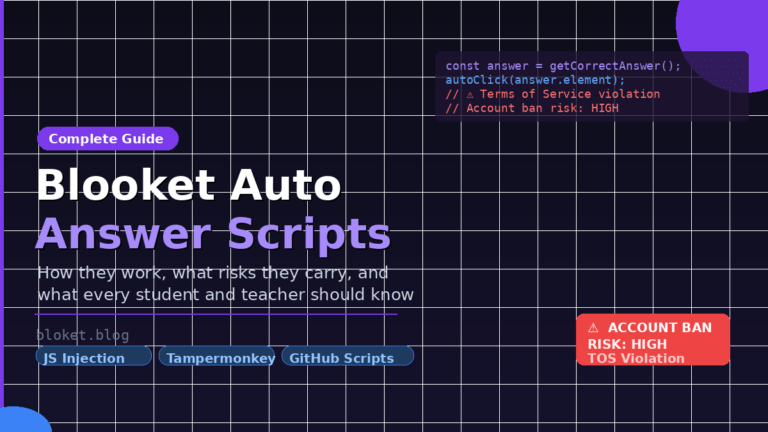
Some bots are “flood” bots: they exist purely to clog a game with fake names, which disrupts the session and makes it unplayable. Others are “answer bots” that submit correct answers at inhuman speed, pushing a fake account to the top of the leaderboard. A third type combines both: fill the lobby with fake players and use one of them to win. For a detailed look at how the answer-bot side actually works under the hood, this complete guide on Blooket auto answer scripts walks through the code, the risks, and what teachers should know.
None of these actions require skill. They require only a working game code and a script someone else wrote.
Are Blooket bots safe to use?
No. The risks fall into three distinct categories: account risks, device risks, and privacy risks. Each one is real, and none of them is worth the temporary advantage a bot provides.
Risks to your Blooket account
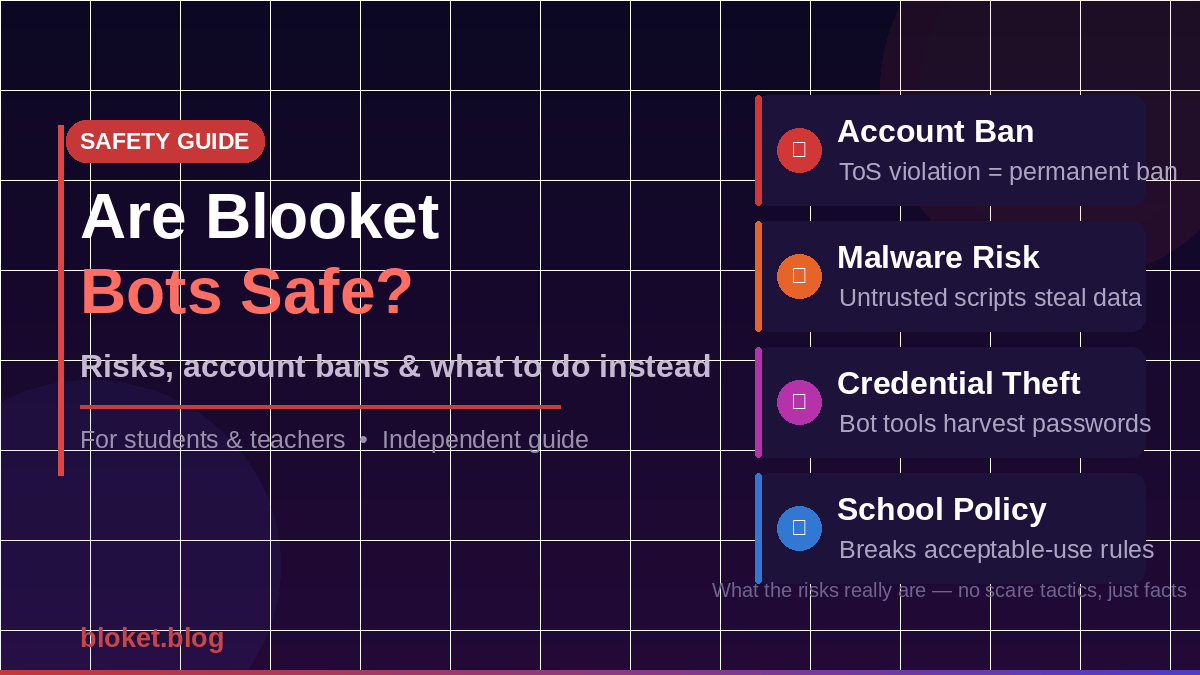
Using bots violates Blooket’s Terms of Service. Blooket’s terms explicitly prohibit automated access, scripted interactions, and actions that disrupt other users’ experiences. Accounts found using bot tools are subject to suspension or permanent bans. The same trap applies to the wider category of shortcuts — this guide on Blooket cheats and why you should avoid them breaks down the real cost behind every “easy win” tool.
When I looked at reports shared in Blooket communities, the most consistent outcome for students who used bot flooding tools was a ban on the account they used to host or access the game. Creating a new account does not erase the history tied to a device or browser profile, and Blooket has improved its ability to detect unusual connection patterns over time.
A banned account loses all blooks, coins, and Blooket Plus access — permanently.
Device and software risks from bot tools
This is the more serious risk that most guides ignore. The tools students use to run Blooket bots are not official software. They are scripts shared on GitHub, Pastebin, or through unofficial Discord servers. The person who wrote the script is anonymous and unaccountable.
Many of these scripts require you to run JavaScript in your browser console, install a browser extension from an unofficial source, or download and run an executable file. Any of these actions on an untrusted script can:
- Install tracking software that logs your keystrokes or passwords.
- Inject code that steals saved browser credentials.
- Add your device to a botnet used for other attacks.
- Install adware that persists after the browser is closed.
The “Blooket hack” or “Blooket flooder” tools that cycle through popularity on student forums are almost never vetted by anyone with security knowledge. Students run them on the same school device or home computer where they log into email, school portals, and personal accounts.
Privacy and credential risks
Some bot tools ask you to log in with your Blooket account to “authenticate” the script. Entering your username and password into any third-party tool gives the tool’s creator your credentials. That is true even if the tool looks legitimate and even if it works as advertised the first time.
Beyond Blooket credentials, students who use these tools on school devices risk violating their school’s acceptable-use policy. Depending on the school district or country, that can result in device confiscation, a formal disciplinary process, or loss of device privileges.
What Blooket does about bots
Blooket is aware of the bot problem and has taken steps to address it, though the platform’s open-join design creates a structural challenge.
Detection systems Blooket uses
Blooket monitors for patterns consistent with automated access: multiple connections from the same IP address in a short time window, join requests that arrive faster than any human could type, and account activity that does not match normal player behavior. These signals trigger both automated flags and manual review.
The platform has also introduced rate limiting on game joins, which slows down how quickly a flood bot can fill a lobby. This does not stop bots entirely, but it makes large-scale flooding noticeably less effective than it was when the platform was younger.
What happens to flagged accounts
Accounts flagged for bot use are reviewed and, if confirmed, banned. The ban is typically applied to the account and linked to the device or browser fingerprint, not just the account credentials. Hosts who allow bot-flooded games to run without reporting them are not usually penalized, but students who actively run bot scripts from their logged-in accounts face the full consequence.
Blooket also allows teachers and hosts to report disrupted games directly through the platform, which feeds into their review process.
How bots affect teachers and classrooms
From a teacher’s perspective, bots do not just ruin a game — they interrupt a lesson. A class of 28 students suddenly sharing a lobby with 200 fake accounts makes the scoreboard meaningless, the game unplayable, and the session a waste of time.
How to spot a bot flood in real time
A bot flood has a recognizable signature. In a normal game, players join within a minute or two of the code being shared, with names that look like real student names or nicknames. In a flooded game, the player count spikes suddenly after the code is shared, the new names are random strings or obviously fake (sequential numbers, repeated characters), and the join speed is physically impossible for humans.
The giveaway is timing and name pattern. If a lobby goes from 5 players to 85 players in under ten seconds after a code goes public, that is a flood.
What teachers can do when a game is flooded
- End the current game immediately without finalizing scores.
- Generate a new game code and share it through a private channel (direct message, classroom platform notification, or verbal announcement) rather than projecting it on screen.
- Enable the Blooket host controls that limit who can join, if available on your account type.
- Report the disrupted session through Blooket’s in-platform reporting tool.
- Avoid sharing game codes in public spaces like class social media groups where codes can be screenshotted and redistributed.
The most effective prevention is code distribution hygiene: keep the game code visible only to students in the room, never post it publicly online, and use a short join window before locking the lobby.
Does Blooket Plus help teachers prevent bots?
Blooket Plus is a paid subscription that gives teachers access to additional host controls and features. Some of those controls make game management easier when disruptions occur, including the ability to remove individual players from a session. Plus does not eliminate the underlying vulnerability, but it gives teachers more tools to respond quickly.
Myths vs facts about Blooket bots
| Claim | Reality |
| “Bots are safe if you use a guest account” | Guest accounts are still tied to device and IP fingerprints. Bans can reach past the account to the device. |
| “Everyone does it, so Blooket won’t ban me” | Blooket does ban accounts. The scale of bot use does not grant immunity. |
| “The script is safe because it has 500 GitHub stars” | Star counts do not indicate a security audit. Many starred repos contain malicious code or data collectors. |
| “Bots only affect the game, not my device” | Scripts that run in your browser or on your device can access far more than one game session. |
| “Teachers can’t tell the difference” | Mass joins with random names and inhuman timing are immediately visible to any experienced host. |
| “Using bots helps me learn faster” | Bots bypass the learning entirely. Blooket’s value is in the active recall during gameplay, which bots skip. |
FAQs
Can you get banned from Blooket for using bots?
Yes. Using bot scripts violates Blooket’s Terms of Service. Accounts found running bots or flooding games are subject to suspension or permanent bans. The ban typically affects the account and can be linked to your device, meaning creating a new account does not always restore access.
Are Blooket bot tools on GitHub safe to download?
No. GitHub repositories containing Blooket bot scripts are third-party tools with no official review or safety verification. Many require you to run untrusted code in your browser or install unofficial extensions, both of which carry real risks of malware, credential theft, and device compromise.
Do Blooket bots work on all game modes?
Bot effectiveness varies by game mode. Flood bots work on any mode that uses a public join code. Answer bots are more mode-specific and depend on how the script is written. Neither type works reliably as Blooket updates its platform, because changes to the game’s code often break scripts that rely on older behavior.
Can a teacher remove bots from a Blooket game?
Teachers can end the game and restart with a new code, which is the fastest resolution. Blooket Plus subscribers have access to individual player removal tools. Reporting the flooded game through Blooket’s platform also contributes to their moderation process.
What should I do if someone floods my Blooket game?
End the session immediately, generate a fresh game code, and redistribute it only to students through a private channel. Avoid projecting the new code anywhere it can be photographed or shared. After the session, submit a report to Blooket so the incident is on record.
Are there legitimate Blooket automation tools for teachers?
No official third-party automation tools exist for Blooket that are sanctioned by the platform. Some legitimate classroom management tools integrate with Blooket, but these work through Blooket’s official integrations rather than by scripting around the platform’s restrictions.
What if a student on my class used bots — what should I do?
Address it as you would any violation of your school’s acceptable-use policy, which typically covers unauthorized use of software and deliberate disruption of school activities. Report the disrupted session to Blooket directly as well. The student’s account may already be under review by Blooket’s own moderation team.
Conclusion
Blooket bots are not safe, and the risks are not theoretical. Account bans are real, the scripts students run carry genuine malware risks, and credential theft through fake “authentication” prompts is a documented pattern with unofficial tools. For students, the calculation is straightforward: a temporary leaderboard advantage is not worth a permanent account ban or a compromised device.
For teachers, the practical defense is simple code hygiene: share game codes privately, use short join windows, and end and restart any session that gets flooded. For students chasing a real leaderboard edge instead of a banned one, this guide to the Blooket hacks that actually work covers every legitimate tip top players use.
If you run or teach Blooket regularly, keep the game code off public platforms, report disruptions when they happen, and treat any script that promises Blooket “cheats” the same way you would treat any unknown software — with skepticism and distance.
Empower yourself with insights—read our carefully selected posts to enhance your knowledge.